How to Program Govee Permanent Outdoor Lights
Programming is where a Govee permanent lighting system either becomes something you actually use or something you turn on twice a year. We set every albany-ny">Govee Pro install up in the same order, and we walk the homeowner through it before we leave.
1. Pair the controller
Open the Govee Home app, add the device, and let it find the controller over Bluetooth. Then join it to your home Wi-Fi. Govee permanent lights run on 2.4 GHz. If your router broadcasts 2.4 and 5 GHz under one network name, that single detail causes most failed setups.
2. Set the light count and segments
This step gets skipped and it breaks everything after it. Tell the app how many pucks are actually installed. If the count is wrong, effects run off the end of the house, colors land in the wrong spots, and chase patterns look broken. On a custom cut run the count almost never matches the factory default.
3. Zone the house
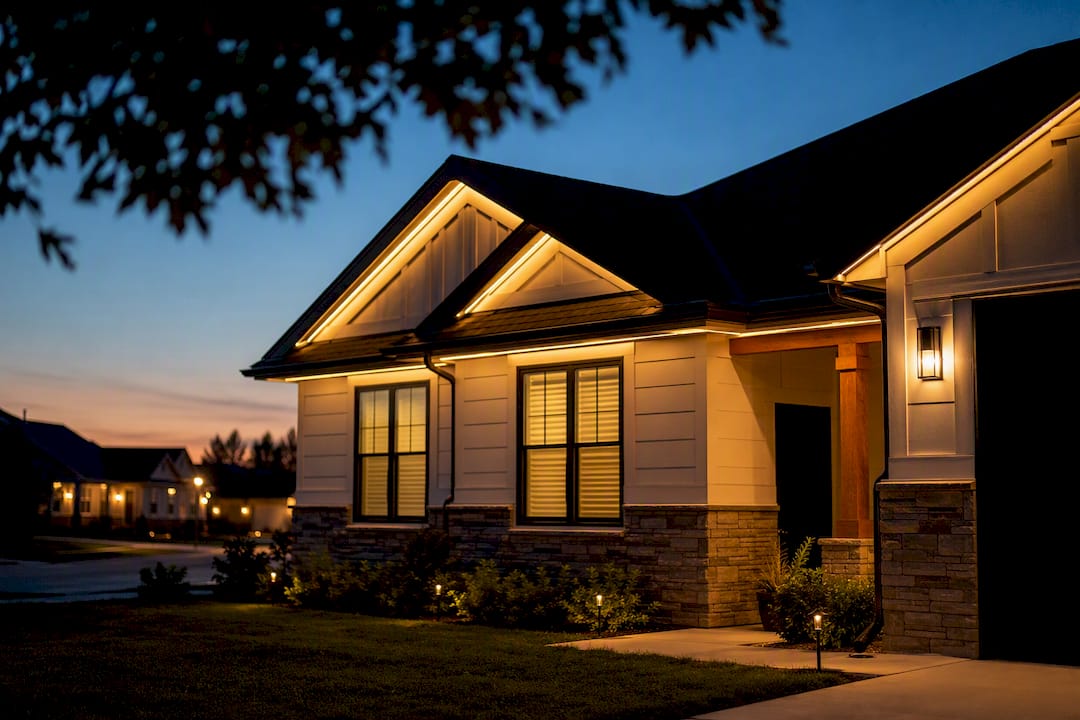
Split the run into sections that match the architecture: main roofline, garage, gable, porch. Zoning is what lets you light the garage in team colors on a Saturday and keep the rest of the house in warm white.
4. Build your scenes
Make the handful you will actually use and name them plainly:
- Warm white for everyday curb appeal, dimmed to around 40 to 60 percent
- Red and green alternating for December
- Red white and blue for the Fourth of July and Memorial Day
- Orange for October
- Team colors for game day
- Bright white at full output when you need the driveway lit
Save each one. Rebuilding a scene from scratch every holiday is what makes people stop using the system.
5. Schedule it
Set the everyday warm white scene to trigger at sunset and shut off at your bedtime, or on a fixed clock time. Sunset triggers follow the season on their own, which matters here where December sunset is before 4:30pm and June sunset is after 8:30pm.
6. Add voice control if you want it
Link the Govee account to Alexa or Google Home and your saved scenes become voice commands. Handy, not required.
Common snags
| Problem | Usual cause |
|---|---|
| Effects stop partway down the house | Light count set too low |
| Will not join Wi-Fi | Phone or router on 5 GHz |
| Colors land in the wrong spots | Segments not matched to the physical run |
| Schedule fires at the wrong time | Time zone or sunset offset in the app |
We set it up before we leave
Every Govee permanent light installation we do includes app setup, correct light counts, zoning, your starter scenes, and a walkthrough so you can build your own. If you would rather have tighter bulb spacing and a lifetime track warranty, compare it against InvisiLights.
Ready for a Brighter Home?
Free, no-pressure quotes across the Capital Region.
No obligation. Local installer. Same-day callback.
Reviewed by Capital Pro Lighting
Capital Pro Lighting installs permanent outdoor lighting, architectural lighting, and holiday lighting across Albany and New York's Capital Region. We are an authorized InvisiLights dealer and a Govee certified installer, with 10 years in business. More about our team.